One chapter becomes five notifications
You open a book on your phone and notice a message at the top of the screen. A reply leads to another app, and the chapter waits. A dedicated reading device changes the setting of that habit: it gives the book a place of its own. It does not create spare time, but it can make the time you have easier to recognise.
The first question is whether you enjoy reading on a screen at all. Try a chapter on an existing device with notifications silenced. If that feels comfortable, an e-reader may offer a more focused way to continue.
Start with the books you want
Search for several actual titles before comparing hardware. A catalogue that contains your favourite authors matters more than a feature you will never use. Check the edition, language and price as well as whether a title appears in a search result. Borrowed, purchased and subscription books can follow different rules.
If library borrowing is part of the plan, check your own library’s service and the device’s compatibility directly. Availability varies. Do not buy on the assumption that every digital book can move freely between every store and reader.
A small screen changes the page
A compact reader is easy to carry, but page size has consequences. Reflowable novels let you adjust text. A fixed-layout document, diagram or heavily illustrated book may be less comfortable on a small monochrome display. Think about your actual reading pile rather than the ideal holiday novel.
Try the text size you need and notice how often you turn the page. Consider grip, front-light controls and whether a cover adds useful protection or unwanted bulk.
Comfort is something you use continuously; storage capacity may be something you notice only once.
Build a reading routine first
Download a sample, select a comfortable font size and try reading in the light where you usually sit. Keep the brightness modest enough for the room rather than assuming maximum is best. Check how bookmarks and notes work before relying on them for study.
For travel, download the books you want before leaving a dependable connection. Learn how to return to the library and recover your place. If you use accessibility features, test the specific functions you need instead of assuming that a general product description covers them.
The Clara BW as a focused choice
Kobo’s UK Clara BW listing is a place to investigate a compact black-and-white reading device. Its appeal is straightforward text reading. Look at the current product page for the exact display, lighting, storage and supported content rather than treating all Kobo models as interchangeable.
The store also determines the purchase process and current terms. Compare the complete cost with any cover you want, and read the rules for ebooks separately from the hardware return policy. A book licence and a physical device are different purchases even when they come from the same brand.
Leave room for ordinary books
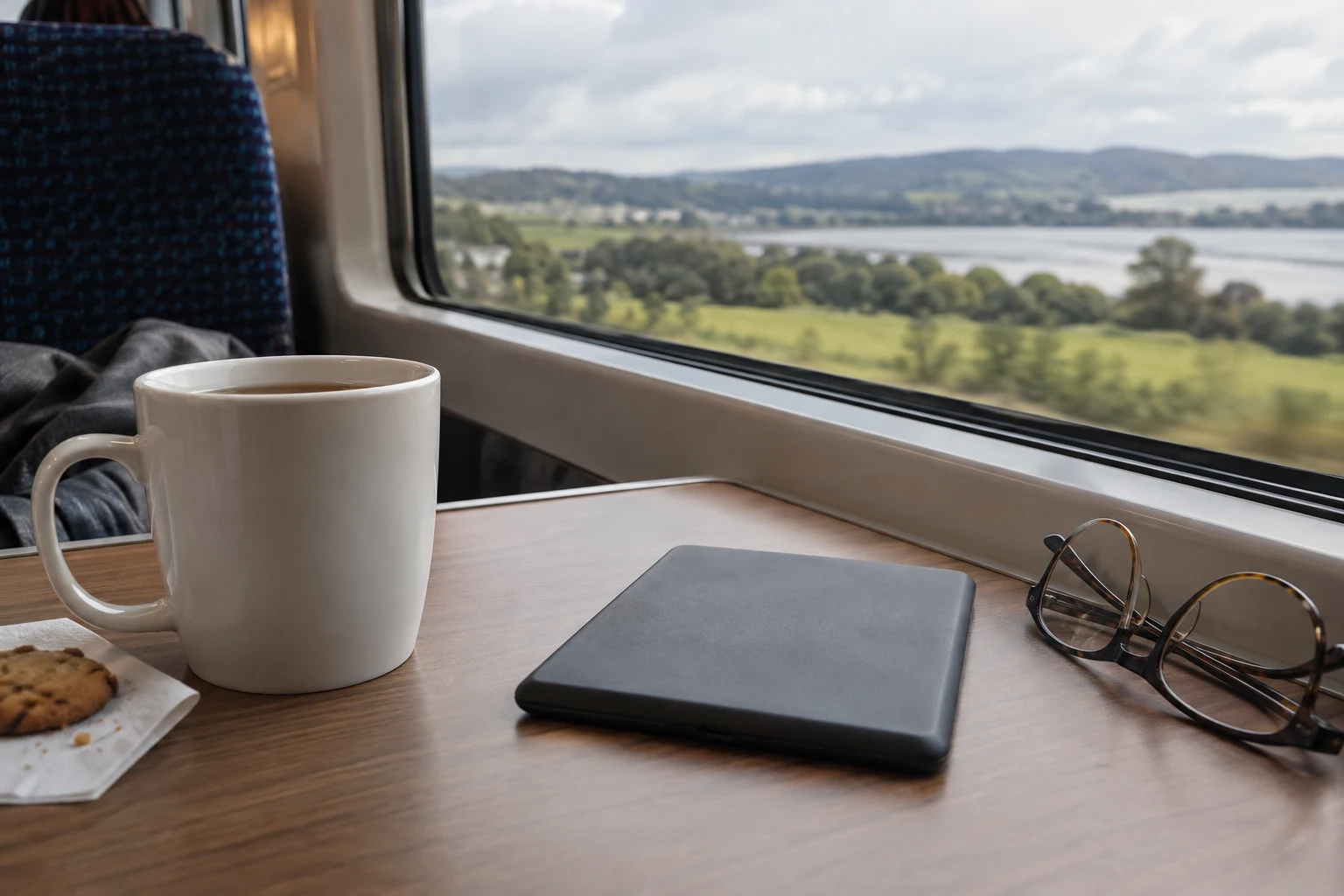
An e-reader does not have to replace the shelf. It may simply hold the novels you carry on the train, while cookbooks and large illustrated editions stay on paper. That narrower job can be enough to justify it.
Choose after you have found the books, tested the text and thought about where you will read. The successful result is a chapter finished during a spare half-hour. Whether that happens on a new device, an old tablet or a paperback is secondary to making the habit workable.
Questions readers ask
Will every ebook work?
No. Check format, store and any protection or account requirements.
Is a compact monochrome screen ideal for magazines?
Not necessarily. Fixed layouts and colour illustrations may suit a larger display.
Can I rely on library borrowing everywhere?
Check your local library and the device’s supported services before purchasing.
Sources
Checked: 2026-10-16
Advertising article. A commercial link leads to the named seller; a commission is possible only if a referral agreement covers it. The seller handles the offer.